之前因為是 Pixel 10 Pro 方案而加入的 Google AI Pro 方案, 所以在 2026/10/16 Argon模型出來時, 原本想說試看看的, 出現以下訊息:
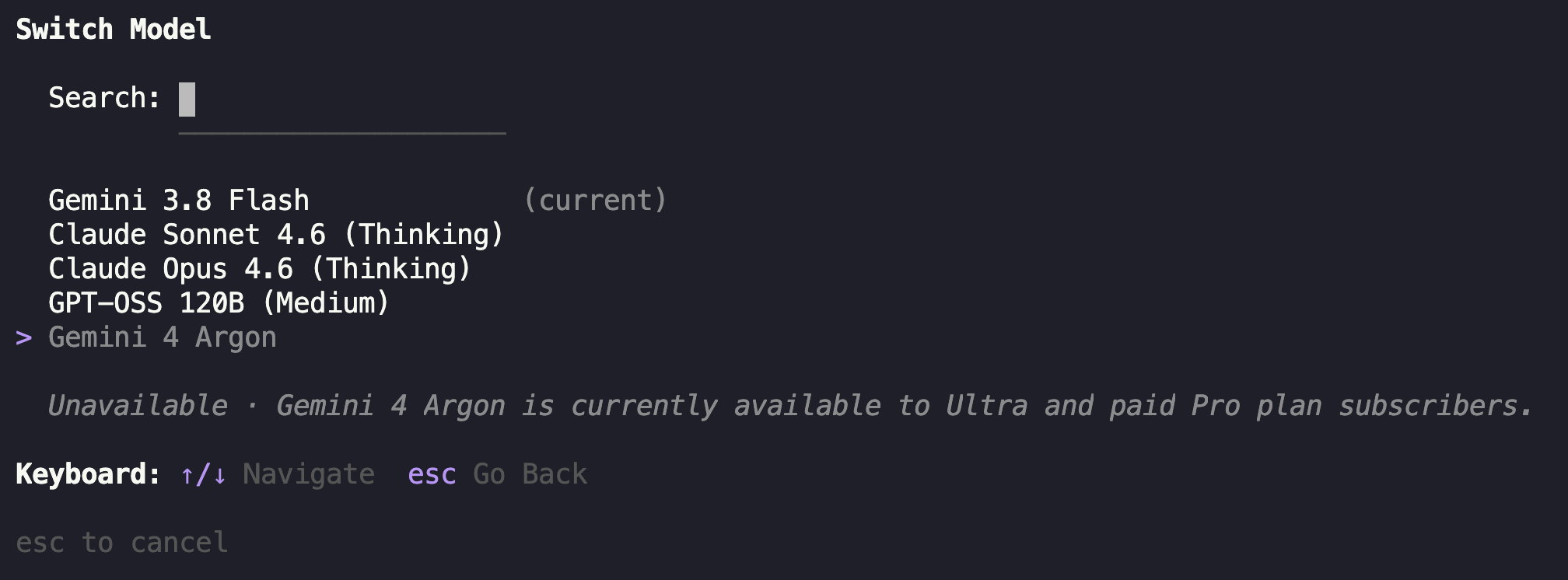 選擇 Model 時, Argon 出現 – Unavailable – Gemini 4 Argon is currently avaliable to Ultra and paid Pro plan subscribers.
這樣看起來原來在供應 Google AI Pro 方案的內容, 與實際付費的用戶等級似乎不太一樣, 所以不能用.
今天 2026/10/24 看到在 Facebook 上有人提到 agy 在 Pixel 10 Pro 方案下可以用 Argon 了, 於是來試看看, 果然有了耶:
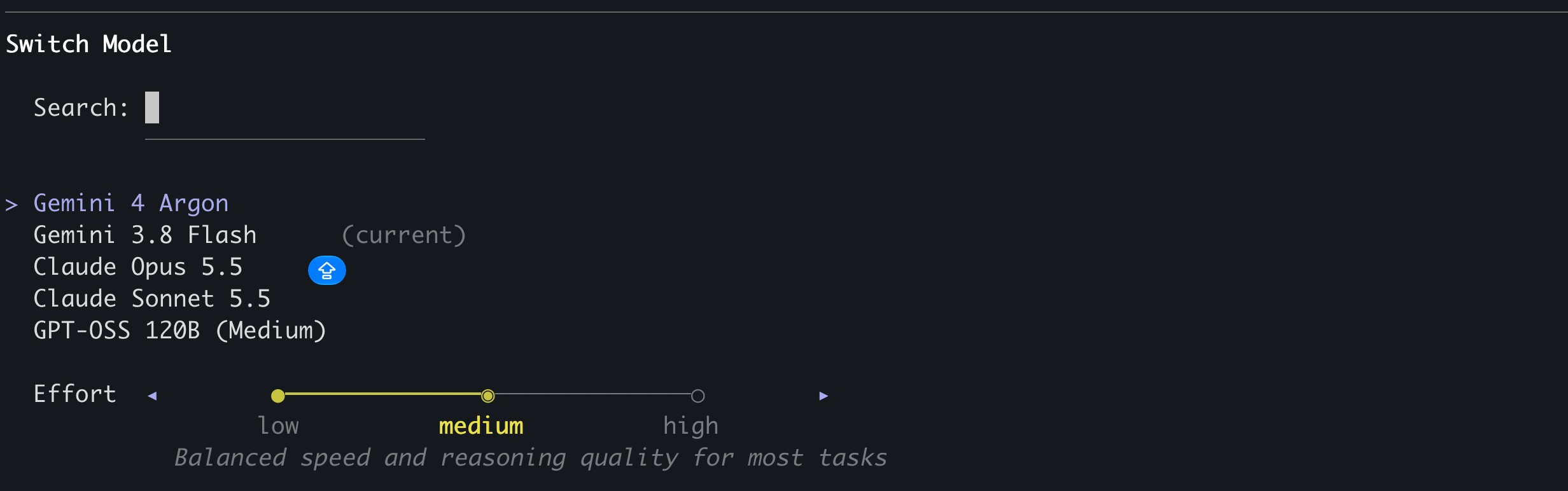 太好了, 趕快來玩看看吧!